Walk into every meeting prepared.Leave the admin to the AI Coach.
Triple Session preps each meeting, drafts the follow-up, updates your CRM and flags the accounts that need attention, all from your own calls and CRM.
Used by customer-facing teams at



back per person, every week, at Auvo, with 1,000+ CRM updates made in one click.
Read the case study →Less admin before and after every meeting.
Know who's in the room before you join.
Get a prep for every meeting: who's attending, what's still open and what to leave with.
- Reading deal information
- Reading deal properties
- Checking who's attending
- Retrieving meetings
- Reading recent emails
- Reading recent notes
- Loading company context
- Analyzing meetings x2
- Searching public sources for company and participant information
Watch a teammate handle the same objection.
Find the objection you expect and see how a teammate handled it.
Moments
Clipped from every call and named by skill
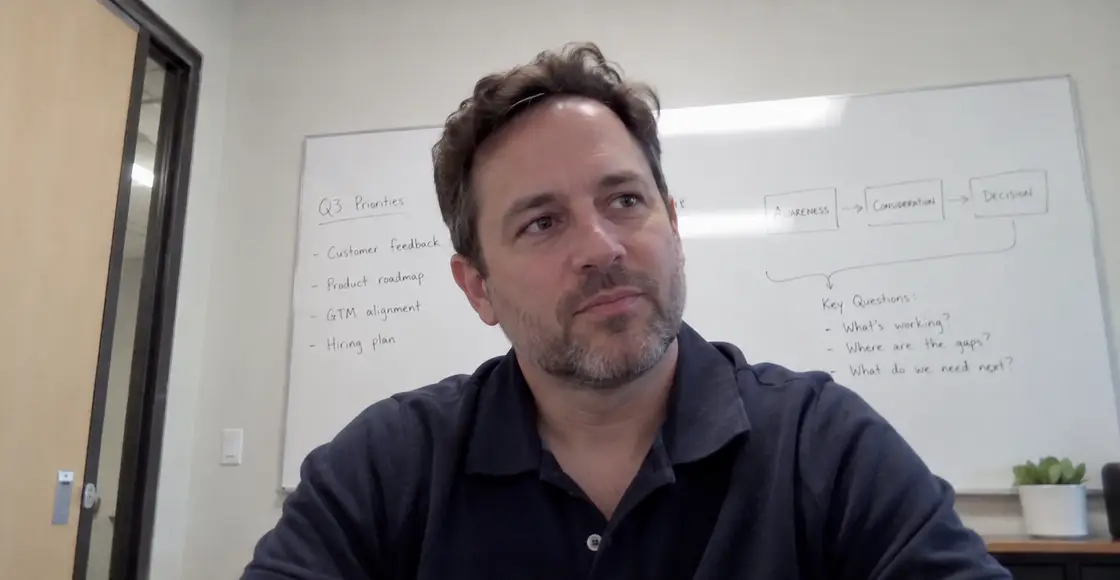
Felix acknowledged the existing tool, asked what it doesn't do today, and reframed the conversation around consolidation instead of replacement.
Your CRM, updated automatically after every call.
Update every field automatically, or review each change first.
Every mapped field is pushed to the CRM when the call ends.
Meeting summary
- Ivy set Leo up on SSO; his meeting bot now joins his calls.
- Dana confirmed the 10 seats in the Sep 2 proposal, at $24,000.
- Success criteria: every sales call recorded and summarized in the CRM for two weeks.
- Pricing against their current notetaker is still open. Dana expects a decision by Oct 30.
Key stakeholders
- Dana Whitlock (Halcyon, champion and CRM owner)
- Leo Marsh (Halcyon, Sales Team Lead, trial user)
- Marcus Feld (Halcyon, SVP of Revenue, not on the call)
Action items
- Ivy to send the price comparison by Oct 9.
- Leo to invite his team to the trial this week.
- Dana to confirm Marcus for Oct 13 at 11:00 AM.

 SOC 2 Type II
Follow-up emails written for you.
The AI Coach drafts each follow-up from the call, with next steps, owners and dates.
Follow-up: Halcyon trial check-in and next steps
Hi Dana and Leo,
Thanks for the time today. Here's a quick summary of what we discussed:
What we covered:
Leo's SSO access, now working
Success criteria: every sales call recorded and summarized in the CRM for two weeks
Rollout for the 10 seats in the Sep 2 proposal
Your key concerns:
Pricing compared with your current notetaker
Getting Marcus's sign-off before the end of October
Next steps:
Ivy to send a side-by-side price comparison by Fri, Oct 9
Dana to confirm Marcus for the pricing review on Tue, Oct 13 at 11:00 AM
Leo to invite his team to the trial this week
Best, Ivy
Risks and next steps for every deal and account, written for you.
Pulse keeps every deal’s summary, risks and next steps up to date from your calls, emails and CRM.
- 1Send the price comparison by Oct 9.
- 2Check that Leo's team has joined the trial.
- 3Confirm Marcus Feld for Oct 13.
- 4Agree who signs once Marcus approves.
Our whole organization is excited to get this information into HubSpot so that it's visible for everybody else. The team loves the deal insights, they love the next steps, and they love how easy it is to capture and keep track of all the things they're supposed to do.
“I love that Triple Session’s AI helps me organize my entire pipeline and helps me forecast for my deals. It also is such a big help when having forecasting meetings with my manager.”
“I save about 5 hours per week, cutting the time spent on preparing qualifications in half.”
See it on your own calls, emails and CRM.
A notetaker stops when the call ends.
You get a transcript and a summary, and the rest is still yours to do. The AI Coach does the prep before the call, the CRM and follow-up after it, and keeps every account current in between.
A notetaker
- Records and transcribes the call
- Writes the meeting summary
- Drafts a follow-up email
Triple Session
- Preps every meeting
- Researches who is attending
- Reads past calls and emails
- Updates your CRM fields
- Shows what it overwrites
- Drafts follow-ups in your format
- Flags risks on every account
- Keeps next steps current
- Clips moments by skill
- Scores calls on your playbook
Coaching & Enablement makes your team better on calls. Productivity does the work around them. See Coaching & Enablement →
Before you book a demo
What teams ask about prep, follow-ups and letting AI write to their CRM.
Does it write to my CRM on its own?
Only if you want it to. Set each field to update after every call, wait for someone to approve it, or skip it.
In review, every field shows whether it merges with the current value or overwrites it, and nothing is pushed until you approve. More on CRM auto-update →
Does it work for CS, support and onboarding teams?
Yes. The examples here are sales calls, but the work around a meeting is the same for any customer-facing team.
Prep before it, a follow-up and CRM update after it, and every account kept current in between. Pulse reads companies and contacts as well as deals.
Where does the meeting prep come from?
From what you already have: the deal and its CRM fields, the people attending, past meetings, and the emails and notes logged in your CRM.
It adds public sources on the company and the people attending, and anything taken from a public source links back to it.
Which tools does it connect to?
The ones your team already uses. Zoom, Google Meet and Microsoft Teams for video calls; Aircall, Kixie and Quo for phone calls; HubSpot and Salesforce for your CRM.
Calls are matched to the right deals, contacts and companies, and our meeting bot records anything else.
How does Pulse know a deal or account is at risk?
It compares what was said with what the CRM says.
Close dates that have passed, a decision-maker who hasn't joined a call, open questions, overdue tasks and amounts that don't match the proposal all get flagged, next to the steps that would fix them.
Can it replace our notetaker?
Yes. It records, transcribes and summarizes every call, so you don't need a separate notetaker.
Then it does what a notetaker doesn't: the prep before the call, and the follow-up and CRM update after it.
Who can see a moment?
Whoever you choose. Playlists have their own access settings: share one with the whole team or limit it to the people who need it.
You can also send a single clip to a prospect. More on Moments →
How long does it take to set up?
About a day to connect your call recording tool or turn on the meeting bot. Onboarding, which maps your CRM fields and builds your automations with you, takes 2 to 4 weeks.
How much does it cost?
Everything on this page is in the AI Coach plan, at $55 per user per month, billed annually. Onboarding is a one-time fee.
Is Triple Session secure? SOC 2?
Yes. SOC 2 Type II certified: an independent auditor has verified our security, availability and confidentiality controls. We don't train external models on your data, and customer data is segregated by tenant.
Full details are available on request; most procurement reviews close within a week. More about security →
Still have a question? Ask us on a demo
Start with your next meeting.
Every meeting prepped, followed up and logged in your CRM, without the admin.